
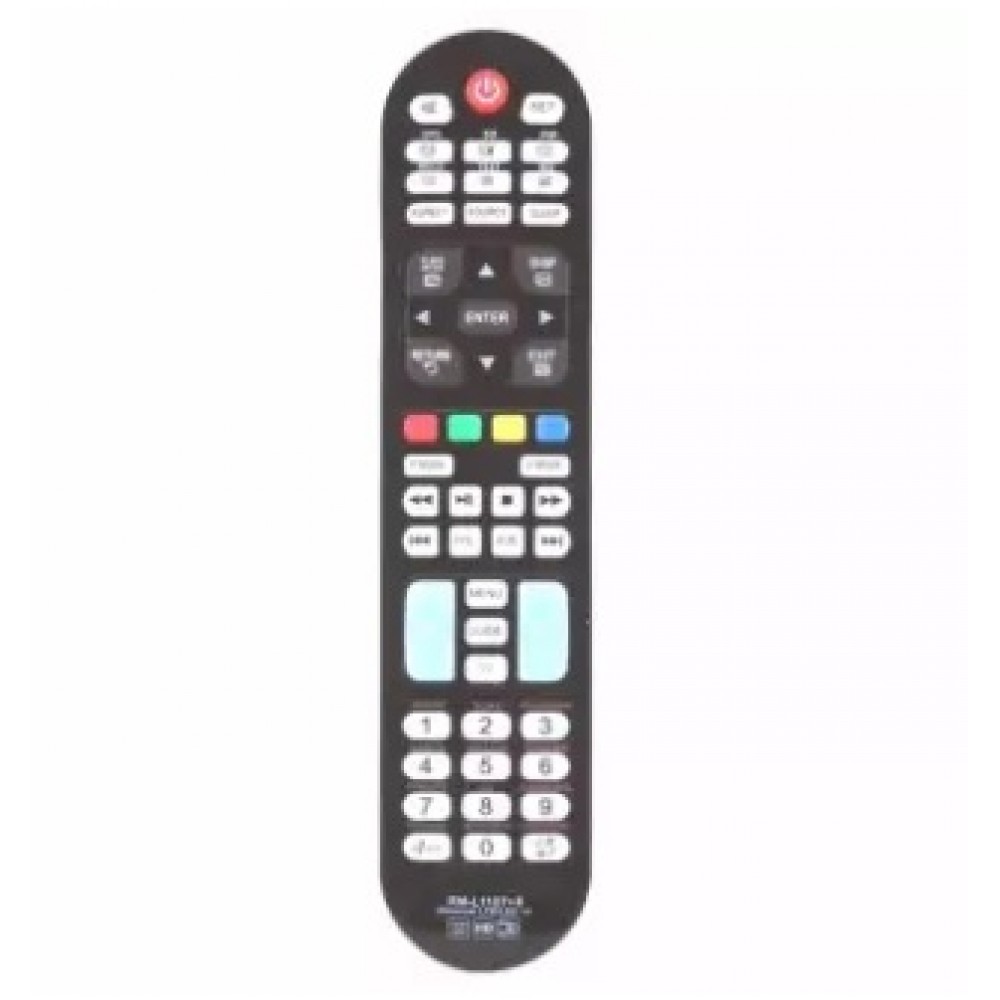
Product details of Huayu RM-L1107+8 Universal Remote Control with Media Play and 3D Buttons
- Huayu RM-L1107+8 Universal Remote Control with Media Play and 3D Buttons
- Compatible with Major TV Brands and majority of China made TVs and Philippine rebranded China TVs
- You have to set up the remote before you use it.
- Easy set up is by Auto searching.
- Manually turn on your TV.
- Place new batteries into the remote
- Point the remote to the TV's remote sensor.
- Press and hold the 'set' button until the volume symbol appears on the TV screen.
- (note: this may take more than 5 minutes as there are thousands of Tv codes)
- Immediately release 'set' button when the volume symbol appears on TV.
- Check if volume, menu, power buttons are functioning normally.
- If not all buttons are functioning correctly, repeat set up until all buttons are functioning normally.
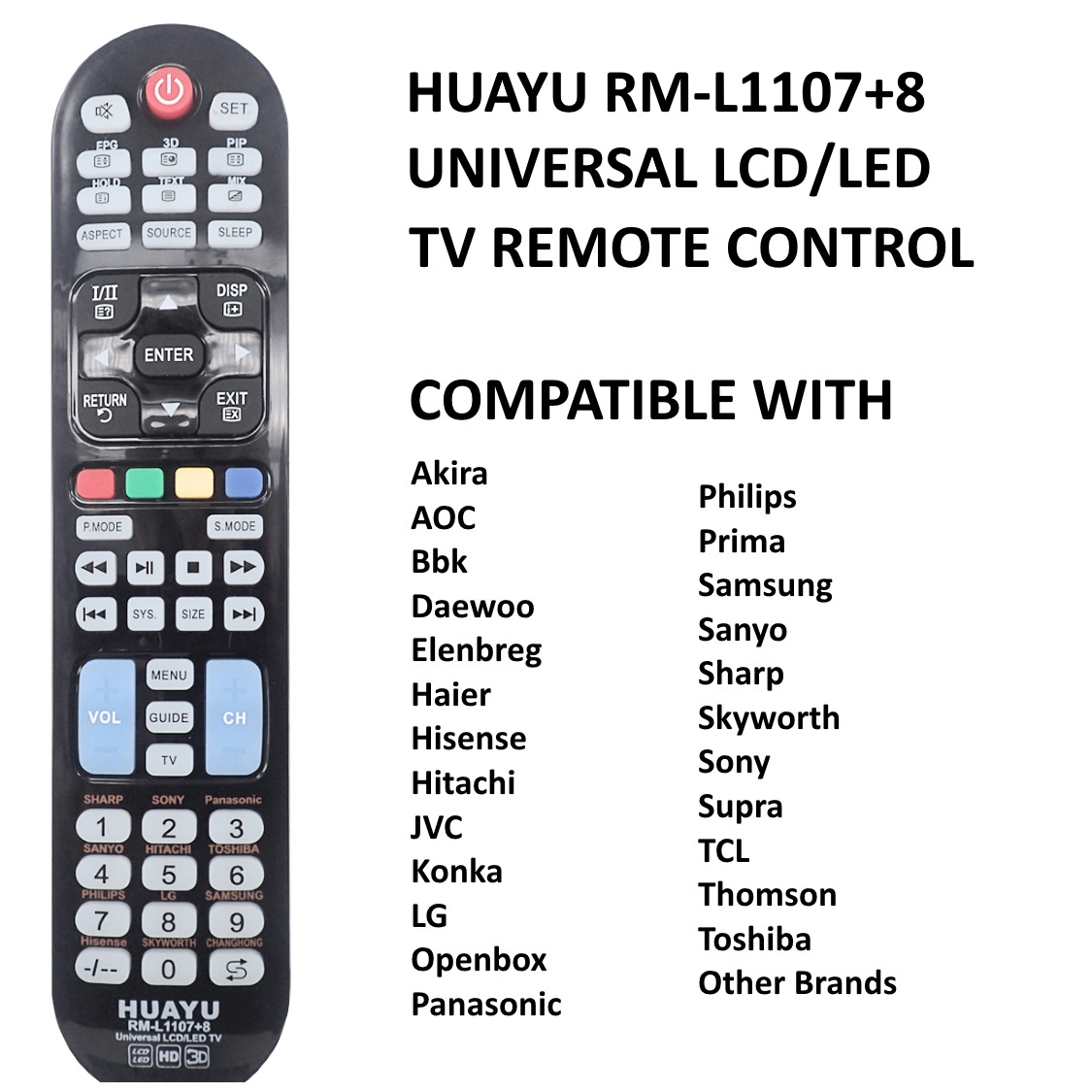
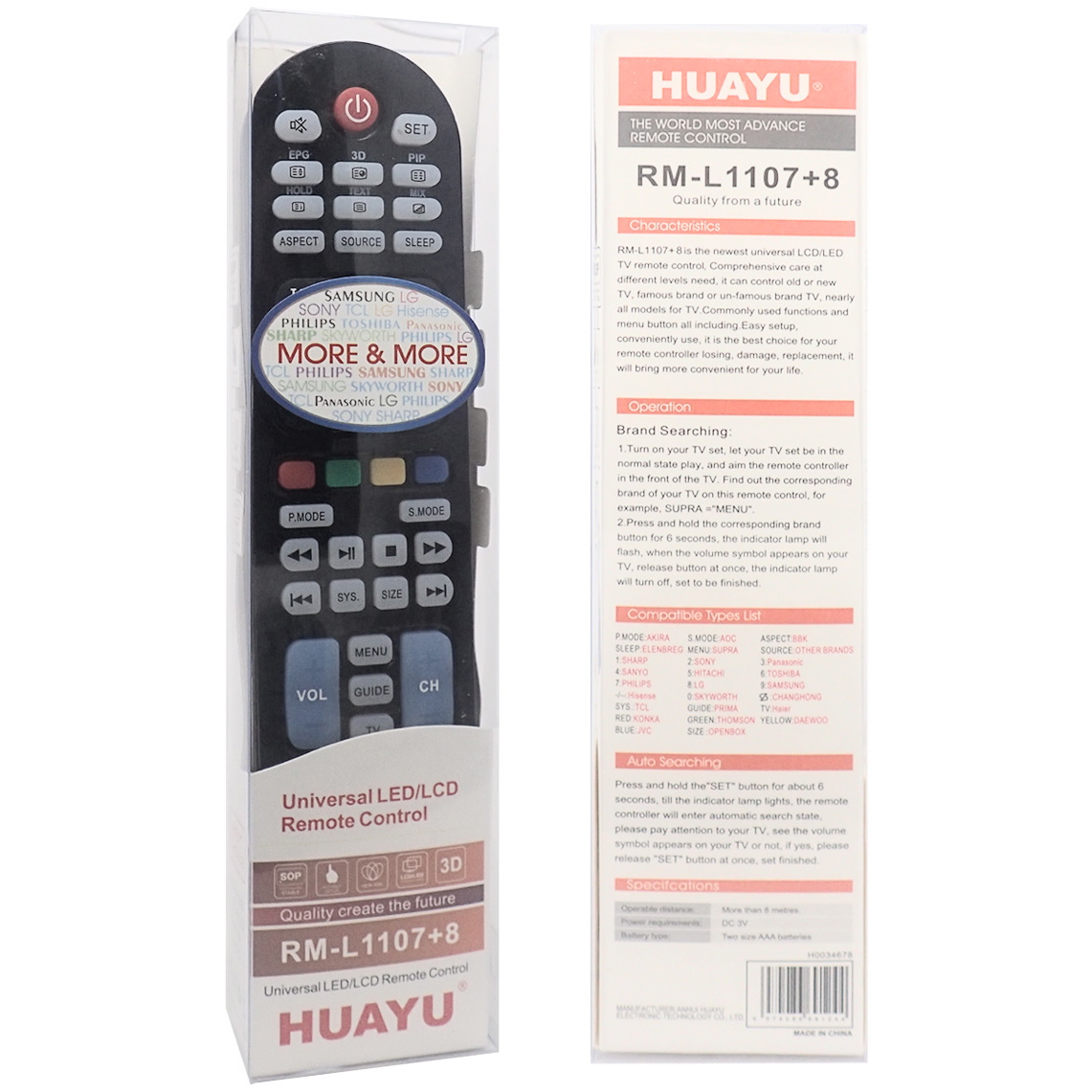
Huayu RM-L1107+8 Universal Remote Control with Media Play and 3D Buttons
Compatible with Major TV Brands and majority of China made TVs and Philippine rebranded China TVs
Easy set up is by Auto searching.
Manually turn on your TV.
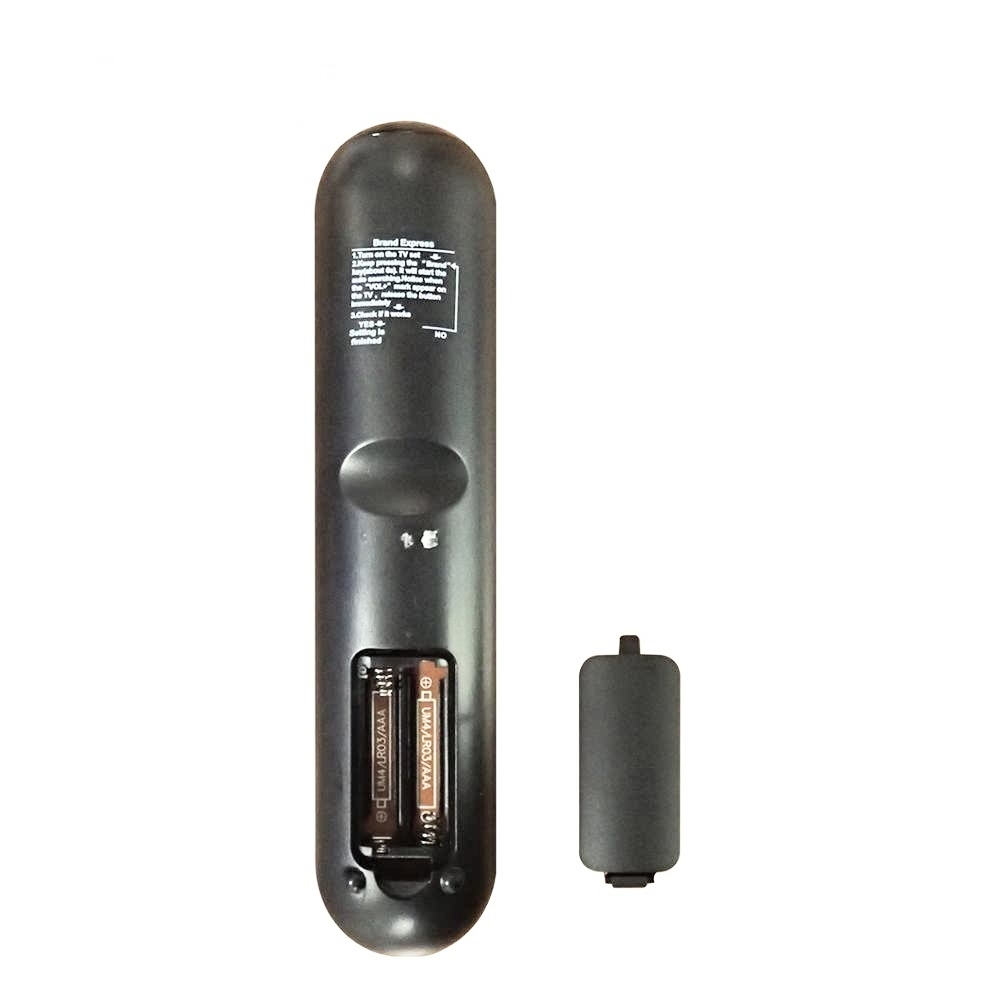
Place new batteries into the remote
Point the remote to the TV's remote sensor.
Press and hold the 'set' button until the volume symbol appears on the TV screen.
(note: this may take more than 5 minutes as there are thousands of TV codes)
Immediately release 'set' button when the volume symbol appears on TV.
Check if volume, menu, power buttons are functioning normally.
If not all buttons are functioning correctly, repeat set up.
Express Brand Set Up:
1. Manually Turn on the TV. Point the remote to the TV.
2. For Sharp TV, press and hold "1" Button while looking at the TV screen. Release "1" button immediately when "Volume' Symbol Appears on your TV.
For Sony TV, press and hold "2" Button while looking at the TV screen. Release "2" button immediately when "Volume' Symbol Appearson your TV.
For Panasonic TV, press and hold "3" Button while looking at the TV screen. Release '3" button immediately when "Volume' Symbol Appearson your TV
For Sanyo TV, press and hold "4" Button while looking at the TV screen. Release "4" button immediately when "Volume' Symbol Appearson your TV
For Hitachi TV, press and hold "5" Button while looking at the TV screen. Release "5" button immediately when "Volume' Symbol Appearson your TVon your TV
For Toshiba TV, press and hold "6" Button while looking at the TV screen. Release "6" button immediately when "Volume' Symbol Appearson your TVon your TV
For PhilipsTV, press and hold "7" Button while looking at the TV screen. Release "7" button immediately when "Volume' Symbol Appearson your TVon your TV
For LG TV, press and hold "8" Button while looking at the TV screen. Release "8" button immediately when "Volume' Symbol Appearson your TVon your TV
For Samsung TV, press and hold"9" Button while looking at the TV screen. Release "9" button immediately when "Volume' Symbol Appearson your TVon your TV
For Hisense TV,press and hold"-/--" Button while looking at the TV screen. Release "-/--"b utton immediately when "Volume' Symbol Appears
For Skyworth TV, press and hold "0"Button while looking at the TV screen. Release "0" button immediately when "Volume' Symbol Appears
For Changhong TV, pressing and hold "Back Symbol" Button while looking at the TV screen. Release button immediately when "Volume' Symbol Appears
For TCL TV, Press and hold "Back Symbol" Button while looking at the TV screen. Release"Back Symbol" button immediately when "Volume' Symbol Appears
For Haier TV, Press and hold "TV" Button while looking at the TV screen. Release "TV" button immediately when "Volume' Symbol Appears
For Konka TV, Press and hold "RED" Button while looking at the TV screen. Release "RED" button immediately when "Volume' Symbol Appears
For JVC TV, Press and hold "BLUE" Button while looking at the TV screen. Release "BLUE" button immediately when "Volume' Symbol Appears
Huayu RM-L1107+8 Universal Remote Control with Media Play and 3D Buttons
- Brand: HUAYU
- Product Code:RM-L1107+8
- Availability:2-3 Days